
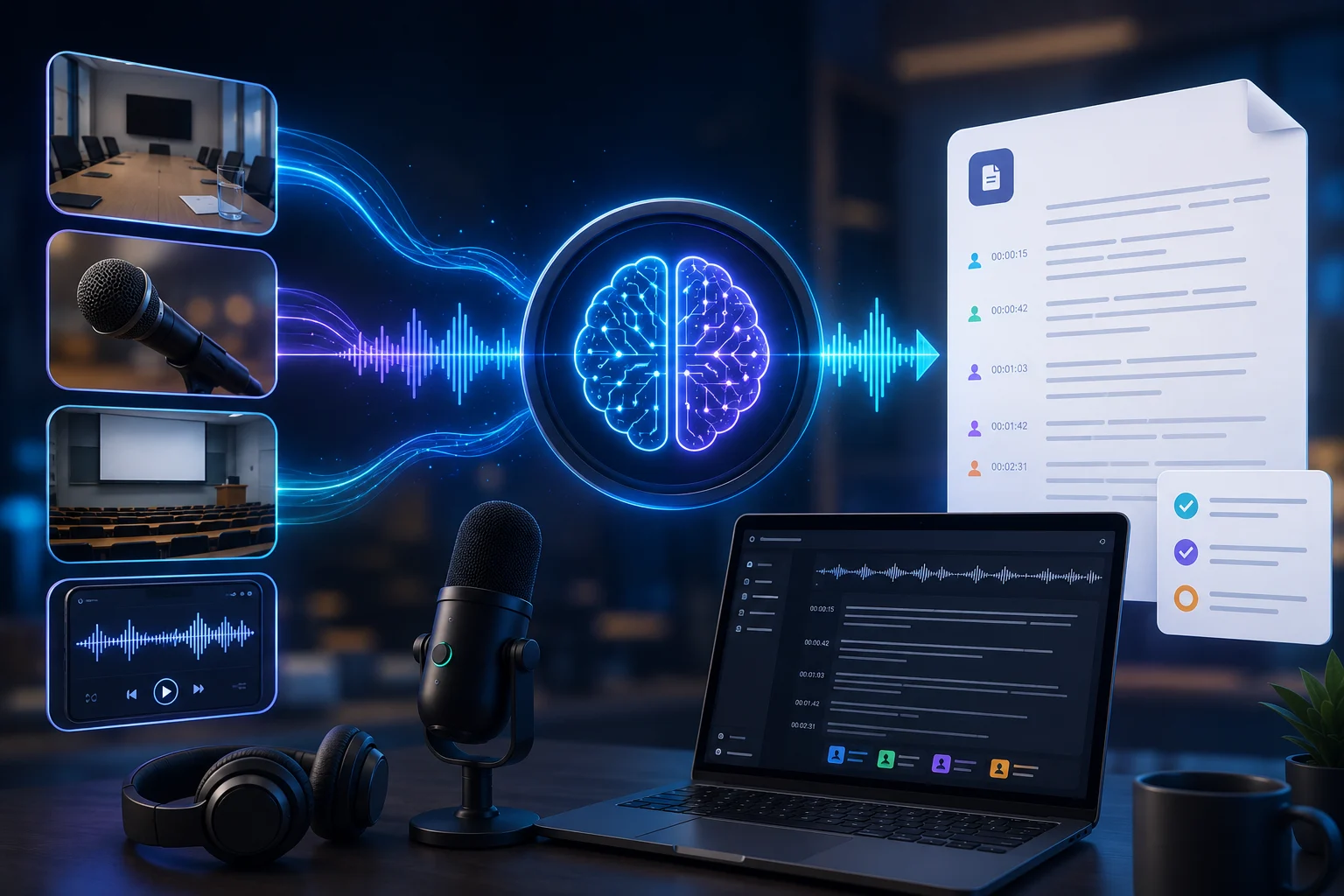
Recorded conversations contain valuable information, but searching through an hour of audio is much slower than scanning a page of text. AI transcription tools convert spoken audio into written text so meetings, interviews, lectures, podcasts, and videos become easier to search, quote, summarize, and organize.
Modern transcription tools often add features such as speaker labels, timestamps, summaries, action items, and searchable archives. The best choice depends on whether you need a simple transcript or a complete conversation workflow.
How AI Transcription Works
Automatic speech recognition models analyze audio and predict the words being spoken. The system must handle accents, background noise, speaking speed, overlapping voices, technical vocabulary, and different microphones.
Some applications process a recording after it ends. Others provide live transcription while people are speaking.
Accuracy Is More Than a Percentage
A tool may perform well on clear studio audio but struggle in a noisy meeting room. Accuracy should be tested using recordings that resemble your real environment.
Names, product terms, medical terminology, and abbreviations are common sources of errors. Some tools support custom vocabulary or correction workflows.
Speaker Identification
Diarization is the process of separating audio by speaker. Good speaker labeling makes meeting and interview transcripts much easier to read.
The system may recognize that Speaker 1 and Speaker 2 are different without knowing their names. Some products let users rename speakers and apply those labels throughout the transcript.
Timestamps and Search
Timestamps connect the transcript back to the original recording. This is useful when a journalist needs to verify a quotation, a student wants to replay a difficult explanation, or a manager needs to hear the exact tone of a meeting moment.
Searchable transcripts turn long recordings into a practical knowledge archive.
Transcription Plus Summarization
Many tools now combine speech recognition with language models. After producing the transcript, the system can identify key points, decisions, questions, and action items.
Otter, for example, combines transcription with meeting summaries, searchable conversation knowledge, and follow-up features. This overlaps with the broader category of AI meeting assistants.
Transcribing Files vs. Live Meetings
If you mainly work with recorded interviews or videos, file upload support may be the most important feature. If you need live meetings, look for calendar integration, meeting-platform support, real-time transcription, and automatic joining.
Some users prefer bot-free local recording rather than inviting an automated participant into every call.
Language Support
Language coverage varies widely between products. Check whether the tool supports your language, regional accent, and multilingual conversations.
Translation is a separate capability from transcription. A system can accurately convert speech to text in the original language without translating it.
Privacy and Consent
Audio recordings can contain highly sensitive information. Before recording a conversation, follow applicable laws, workplace rules, and consent requirements.
Review where recordings are stored, how long they are retained, whether model providers use the data for training, and whether administrators can control access.
What to Look for in a Transcription Tool
Compare real-world accuracy, speaker labels, timestamps, language support, file formats, export options, live meeting support, search, summaries, integrations, privacy controls, and cost.
A free plan may be enough for occasional recordings. Frequent professional use may justify higher limits and collaboration features.
How to Improve Transcription Quality
Use a good microphone, reduce background noise, avoid people speaking over each other, and position the recorder close to speakers. Clear audio improves every transcription model.
Review important names, numbers, quotations, and technical terms before publishing or making decisions from the transcript.
The Bottom Line
AI transcription tools turn audio into searchable, editable text and can save substantial time when working with meetings, interviews, lectures, and media.
The best tool is not simply the one with the most AI features. Choose the system that performs accurately on your audio, supports your workflow, and handles recordings with the privacy controls your use case requires.
A Practical Checklist Before You Rely on Ai Transcription Tools
Define the job first. Decide what success means before choosing a model or product. A system can look impressive in a demo while solving the wrong problem. Write down the expected output, the information it may use, the acceptable error rate, and which decisions still require a person.
Test representative examples. A useful first test is to test several real recordings with noise, multiple speakers, names, and technical terminology rather than relying on a clean demo. Include normal cases and difficult edge cases. The goal is to learn where the system is dependable and where it needs stronger instructions, additional tools, or human review.
Verify important outputs. Do not confuse fluency with correctness. Check facts, calculations, citations, permissions, and important transformations against a reliable source. The more expensive or difficult an error would be to reverse, the stronger the verification process should be.
Review privacy and access. Understand what information is being sent to the system, where it is stored, and who can retrieve it later. Give connected AI tools only the permissions they need. Sensitive data should follow the same governance rules that apply elsewhere in the organization.
Measure value over time. Track time saved, correction rate, reliability, user satisfaction, and operational cost. A tool that feels fast during the first week may not create lasting value if people spend the same amount of time fixing its output.
Common Mistakes to Avoid
One common mistake is choosing technology before defining the workflow. Another is testing only ideal examples. Teams also tend to add automation without planning what happens when the model is uncertain, the data is missing, or a connected service fails.
The most important limitation to keep in mind is that fluent transcripts can still contain wrong names, numbers, and speaker labels. Build the workflow around that reality rather than assuming future model improvements will automatically solve it.
Frequently Asked Questions
Is AI transcription tools always more accurate than a simpler approach?
No. AI is valuable when the task benefits from language understanding, pattern recognition, generation, or flexible decision support. A deterministic rule, database query, spreadsheet formula, or conventional software function can be better when the task is predictable and exact.
Should I pay for a AI transcription tools product immediately?
Usually not. Start with a free tier, trial, or small pilot when one is available. Use it on real work and measure whether it saves time or improves quality. A paid plan becomes easier to justify when limits, collaboration, privacy, integrations, or higher-quality features solve a recurring problem.
What is the safest way to start using AI transcription tools?
Begin with a narrow, reversible use case. Keep source material or original data available, review the output manually, and document the situations where the system fails. Expand automation only after the workflow performs consistently on representative examples and users know how to recover when it is wrong.