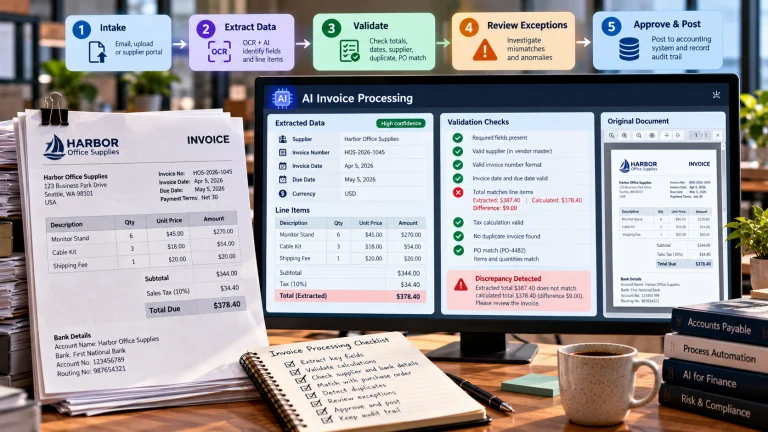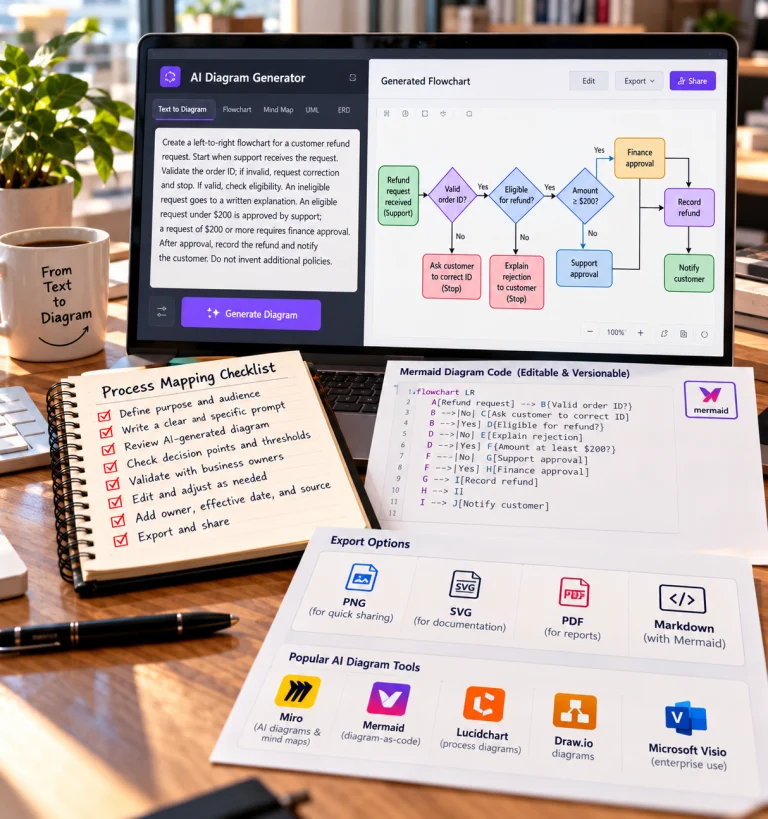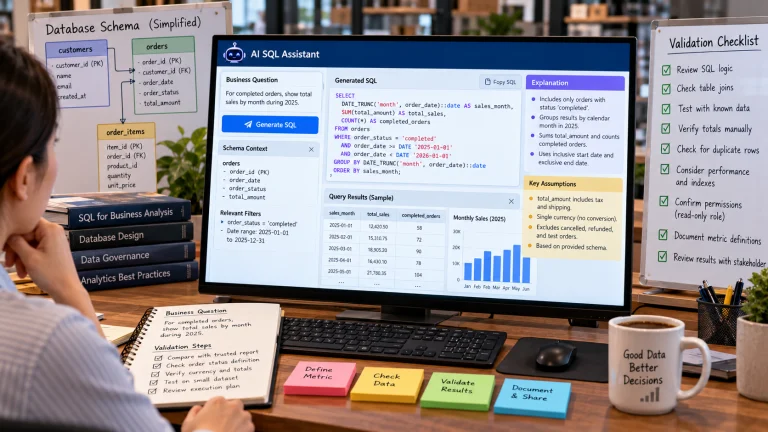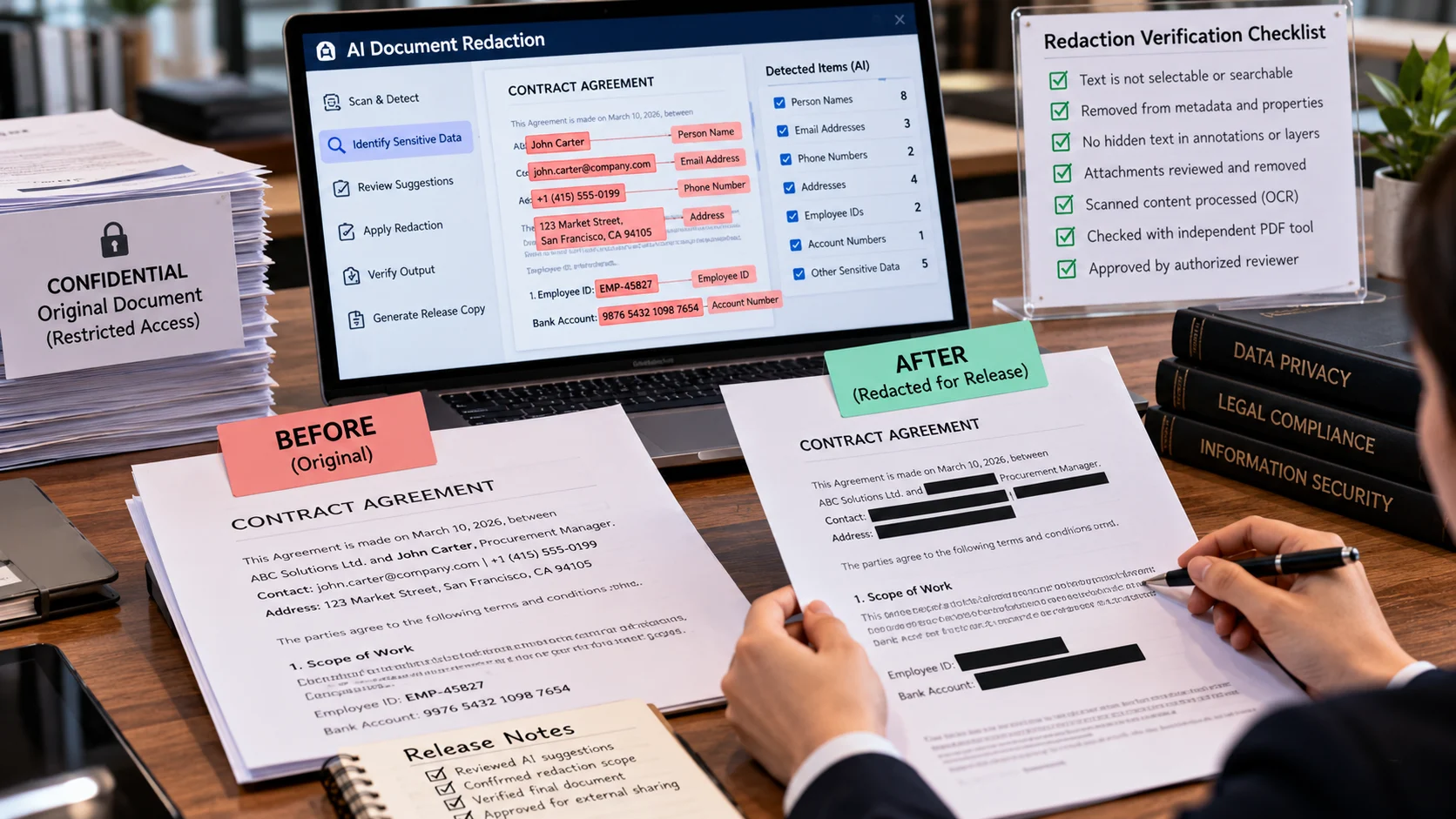
A legal operations team must share a contract externally while hiding employee identifiers and unrelated negotiation notes. AI-assisted document redaction finds candidate sensitive information and helps apply irreversible removal. Masking text visually is not the same as securely removing content from a file. This article examines safe document disclosure and verification, not general privacy policy or document summarization. Quantitative examples below are hypothetical and should be adapted to the reader’s actual data.
Key Takeaways
Covering sensitive text with a visual shape is not the same as permanently removing underlying PDF content.
Redaction tools should be evaluated against selectable text, metadata, annotations, attachments, and scanned content where relevant.
Use fictitious test identifiers to prove that targeted content cannot be recovered from a released copy.
Policy and human review determine what must be withheld; AI suggestions cannot decide legal disclosure obligations alone.
Preserve authorized originals separately, approve the release copy, and document who verified the result.
Redaction Must Remove Information, Not Merely Hide It
Redaction is the process of permanently removing or obscuring sensitive information from a document before it is shared. In a digital workflow, a black rectangle drawn over text is not necessarily redaction. The underlying characters may remain selectable, searchable, extractable, or visible through metadata and earlier file versions. A credible document-redaction system must produce a sanitized output whose sensitive content cannot be recovered through ordinary access to the released file.
AI can help identify candidate names, addresses, account numbers, signatures, and other entities. But finding a likely identifier is only the first step. A person or documented policy must decide which information actually requires removal, whether the document can legally be shared, and what contextual clues could still identify someone after the obvious fields are gone.
Why Automated Detection Is Difficult
An email address and a standardized card number may be relatively easy to detect using known patterns. A person’s name is harder because it can also be a product name, location, or part of a quoted passage. Sensitive information may appear in scanned images, table cells, handwritten notes, footers, embedded objects, or filenames. AI systems that recognize entities can miss uncommon formats and can also flag ordinary words that happen to resemble names.
Context changes the meaning. The word “Victoria” could refer to a person, a place, or a product label. A redaction policy that requires removing all customer names must not simply delete every occurrence of a common word, because doing so may destroy legitimate evidence. Conversely, a document can reveal identity indirectly through job title, small-team membership, timestamps, and unusual circumstances even after names are removed.
The correct setup therefore uses a redaction policy listing protected categories, exceptions, document types, and approval requirements. The tool should show candidate detections, their locations, and any uncertain cases. Reviewers must be able to inspect both the proposed mask and its surrounding context.
A Safe Workflow for PDFs and Scanned Images
1. Preserve the original under restricted access
Keep the source in a controlled location with appropriate permissions and retention rules. Work on a copy. If a mistake occurs, the organization must know what was released and be able to compare it with the authoritative version. Do not send sensitive originals to an external service without confirming that the transfer is permitted.
2. Establish the document’s disclosure purpose
Define the audience and why they need the document. A file released for public transparency may need different treatment from one sent confidentially to a lawyer or business partner. Redact the minimum necessary information while retaining the context required for the recipient’s legitimate task.
3. Detect text and sensitive entities
For an image-only PDF, run OCR or another compatible recognition process before applying text-based detection. Combine relevant patterns with context-sensitive recognition. Review the resulting page coordinates, because a detected string with incorrect bounds can leave characters exposed.
4. Confirm the redaction scope
Have a trained reviewer inspect false positives and false negatives. Decide whether identifiers appearing in headers, tables, annotations, attachments, or file metadata require removal. A single undetected page can defeat the intended protection.
5. Apply genuine removal
Use a document-processing method that removes text and image content from the released output, not a decorative overlay. Depending on the file and tool, this may require flattening, rewriting objects, or rebuilding a sanitized copy. The correct method depends on file format; do not treat one “export as PDF” button as universal proof of redaction.
6. Inspect the resulting file independently
Search for previously redacted terms, try selecting or copying areas, extract available text, inspect document properties and attachments, and examine thumbnail previews. Where appropriate, use more than one verification tool. Test both visible pages and machine-readable structures. The goal is to challenge the release file as a recipient might, without attempting unauthorized access to anything else.
7. Record approval and distribute the sanitized version
Version the output, record who approved it, and release only that approved copy. Preserve a clear distinction between source and sanitized derivative. If a bad file is accidentally released, the organization needs an incident process because recalling a download does not guarantee that copies have disappeared.
Illustrative Case: A Contract Sent to a Vendor
Suppose a company must share a contract with a service provider for technical review. The contract includes an employee’s phone number, a private bank account, and contractual pricing that the provider is allowed to see. An AI detector suggests masking all numeric strings. That would hide payment account details, but it would also remove important prices, dates, and clause references. A reviewer uses the disclosure purpose to identify which numbers are sensitive and which are essential to the review.
The first redacted PDF looks correct visually. However, copying the blacked-out region reveals the underlying bank account number. This is a failed release candidate, not a minor cosmetic defect. The team reprocesses it using a true removal function, independently extracts the released file’s text, and confirms the account is absent. It also checks metadata and embedded attachments before approval.
This scenario shows why an AI entity-recognition success rate is not enough. The redaction operation and the independent verification are as important as detecting what should be removed.
What to Measure in a Redaction Pilot
Detection recall asks what fraction of truly sensitive spans were correctly identified. In high-risk work, missed spans may be far more serious than unnecessary masks. Precision asks how many proposed masks were actually appropriate. Too many false positives can destroy the document’s usefulness and consume reviewer time.
More decisive measures include the number of released files containing recoverable protected information, completeness of metadata checks, human review time, and recurrence of specific failure types. Use a labeled test set including scanned pages, image-only documents, attachments, and complex layouts. Evaluate whether the sanitized result remains readable enough for its approved purpose.
A model may generate a high confidence score for an entity and still be wrong. Calibrate confidence against representative data if using it for routing, and establish mandatory human checks for especially sensitive documents. Treat final-file extraction tests as independent of the AI model’s confidence.
Legal and Operational Considerations
Rules vary by jurisdiction and purpose. Personal data, privileged communications, trade secrets, and public-record disclosures can have different requirements. Technical redaction does not itself establish legal authority to share the remaining material. Assign responsibility for both disclosure decisions and technical verification; seek qualified advice for regulated or consequential releases.
Set retention and access policies for source files, temporary extracted text, redaction logs, and sanitized copies. Logs should document actions without inadvertently storing the very secret they are supposed to protect. Delete unnecessary temporary files according to the applicable policy, including intermediate OCR outputs where relevant.
The best AI document-redaction workflow is intentionally conservative: it identifies candidate sensitive information efficiently, preserves reviewer judgment, removes data from the release format, and verifies independently that the final file cannot reveal what was supposed to be hidden.
Why a black rectangle may not remove sensitive text
A PDF contains an employee name, national ID number, and salary in a selectable text layer. Drawing a black rectangle over the ID may hide it visually while leaving the underlying characters searchable or extractable. A real redaction workflow finds the target text and image regions, permanently removes content using a redaction operation, sanitizes hidden metadata where needed, and tests the saved output by searching and copying text.
An AI classifier may identify likely identifiers, but false negatives remain possible. Use a sample document with known planted identifiers and include repeated appearances in headers, comments, tables, OCR layers, and file properties. Verify the actual exported file, not just the preview. Redaction is different from anonymization and should not be represented as a blanket privacy guarantee.
What the example teaches. A shared PDF appears visually sanitized, but copying text from one blacked-out line still reveals a personal identifier. The team changes the process to use native redaction and tests the exported file’s text layer and metadata. The lesson is that appearance is not evidence of irreversible removal.
Testing More Than the Visible Page
Modern office documents may contain comment threads, revision history, embedded attachments, formulas, hidden worksheets, OCR layers, and author metadata. Converting a file to PDF does not automatically remove all of these elements. Before release, identify which formats and objects the tool can handle. A redaction workflow that succeeds on simple PDFs may not sanitize a spreadsheet whose hidden sheet includes employee identifiers.
Build release tests around actual formats in use. For Word documents, inspect comments and tracked changes. For spreadsheets, check hidden rows, columns, formulas, and metadata. For PDFs, test selectable text, annotations, form fields, and embedded files where relevant. For images, confirm that the sanitized pixels are actually replaced in the released export and that alternate thumbnails or original attachments are not bundled alongside them.
Designing a Two-Person Review for High-Risk Documents
When a release could expose sensitive personal or financial details, separation of duties may help. One reviewer identifies the data requiring removal; another verifies the sanitized output against the policy and independently checks recoverability. Document exceptions and final approval. The second reviewer is not merely checking that all black rectangles look aligned; they should confirm the source-to-output transformation did not leave behind recoverable data.
For routine low-risk sharing, a lighter review may be appropriate. The control should scale with consequence, document diversity, and the organization’s ability to respond after a mistake. A risk-based process is more sustainable than applying the same cumbersome checklist to every harmless file.
Avoiding Unnecessary Disclosure Through Logs
Some redaction products save extracted text and detection results in operational logs. Those logs can contain the protected identifiers even after the released document has been sanitized. Limit log contents, access, and retention. A useful audit record may store the category and location of redaction, method used, reviewer, and status without repeating the secret value itself.
Test Redaction Against More Than Visible Text
For a PDF containing sensitive details, the acceptance test should go beyond inspecting a black box on screen. Try selecting or copying the region, searching the document for the original term, inspecting annotations and form fields, and extracting embedded attachments or metadata where the file format permits. A screenshot pasted over a page can obscure content visually while leaving the original text layer recoverable. Conversely, a proper redaction operation should remove the targeted underlying content when applied correctly according to the product’s documentation.
Create a safe test file with fictitious account numbers, email addresses, and comments so reviewers can verify the process without risking real disclosures. Preserve an authorized original in a controlled location and distribute only the redacted copy. Record which reviewer approved the final file; the presence of redaction software does not replace a release decision.
Define What Counts as Sensitive in Context
A redaction checklist should distinguish identifiers, contextual clues, and information that is publicly available but sensitive when combined. Removing a person’s name while leaving a unique employee ID, exact address, or identifying case description may not achieve the intended protection. Review what a recipient could infer from the remaining context, especially in small groups where a role or rare event identifies someone.
Create a release rule for each document type. Legal discovery, public-record requests, customer-support sharing, and internal training materials can have different obligations. Have a knowledgeable reviewer approve the policy and revisit it when laws or organizational purposes change.
Frequently Asked Questions
Is drawing a black box over text safe?
No. A black shape placed over readable text may leave the underlying text accessible to copy, search, or extraction. Use a real redaction operation.
Can AI detect every personal identifier?
AI can identify candidates, but uncommon identifiers and contextual secrets may be missed. Human reviewers should inspect high-risk disclosures.
Should originals be deleted after redaction?
Retain or dispose of originals according to applicable policies and legal holds. The redacted distribution copy and restricted original have different purposes.
How can a team verify a redacted PDF?
Test copying and text extraction, inspect image layers and metadata, and review the final exported document visually before sharing.
Further Reading on ByteScope
Responsible AI Guide
AI Guardrails Explained
Sources and Further Reading
Adobe: Redact Sensitive Content in PDFs — Adobe product documentation on redaction and sanitization.
Adobe: Sanitize Hidden PDF Content — Adobe product documentation on redaction and sanitization.