
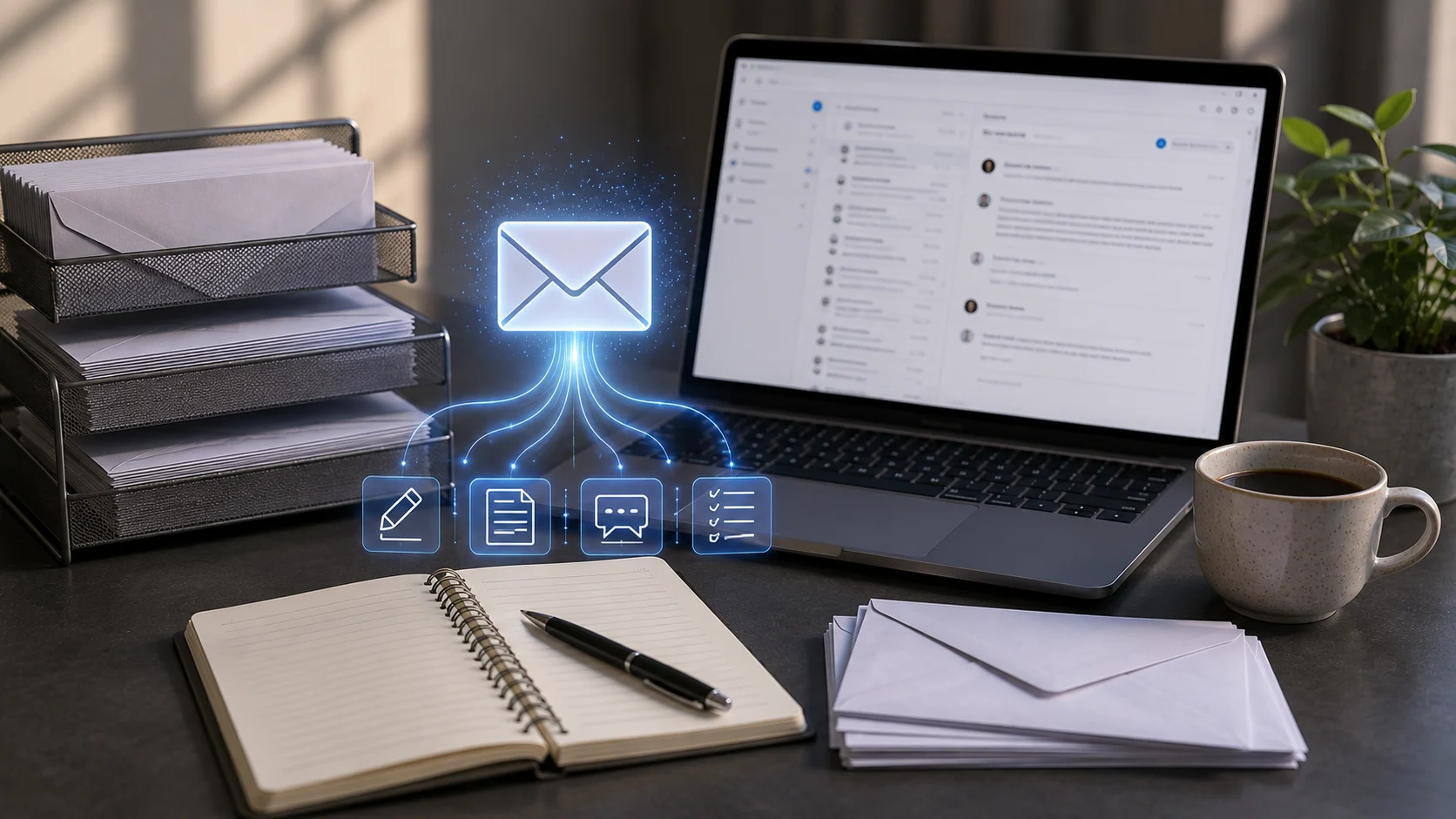
Email is simple in theory but time-consuming in practice. People rewrite messages to get the tone right, summarize long threads, search for decisions, and answer repetitive questions. AI email assistants can reduce that work by helping draft, edit, summarize, and organize communication.
The convenience is significant, but email can also contain confidential information and irreversible mistakes. AI should make communication easier without removing the final human check before a message is sent.
Drafting New Emails
A user can describe the purpose of a message, the recipient, the desired tone, and the important facts. The assistant generates a first draft that can be edited.
Microsoft Copilot in Outlook, for example, supports drafting messages and adjusting characteristics such as tone and length.
Writing Better Prompts for Email
Include the goal, audience, context, and call to action. “Write a polite email” is less useful than “Write a concise follow-up to a supplier asking for the revised delivery date before Friday.”
Clear instructions reduce generic language and unnecessary back-and-forth.
Rewriting and Tone
AI can make a message shorter, warmer, more formal, or easier to understand. This is useful when communication needs to be adapted for different audiences.
However, tone is culturally sensitive. A model’s idea of “professional” may not match your workplace or relationship with the recipient.
Summarizing Long Threads
AI can identify the main decisions, unresolved questions, and action items in a long email chain.
This is especially helpful when someone joins a conversation late. Important commitments should still be checked against the original messages.
Suggested Replies
For routine communication, an assistant can draft a response based on the current thread. The user can then edit the response rather than starting from a blank screen.
Automatic replies should be used carefully for complaints, conflict, legal issues, or emotionally sensitive conversations.
Recipient Mistakes Are Still Human Responsibility
An AI-generated message can be perfectly written and still be sent to the wrong person. Always check recipients, attachments, links, dates, and confidential information before sending.
The final “Send” action deserves more attention, not less, when drafting becomes faster.
Privacy
Email frequently contains customer data, financial information, contracts, internal strategy, and personal conversations. Organizations should use approved AI features with appropriate enterprise controls.
Do not copy sensitive email content into an unrelated public chatbot simply for convenience.
AI for Inbox Management
Beyond writing, AI can classify messages, identify priority threads, extract tasks, or help search a large inbox.
These features can connect with AI workflow automation to route incoming messages or create follow-up tasks.
Avoid Generic AI Language
Overuse can make every email sound identical. Remove unnecessary introductions, vague enthusiasm, and repetitive phrases. Add details that reflect the real relationship and situation.
AI should help you communicate more clearly, not erase your personal or organizational voice.
The Bottom Line
AI email assistants can save time by drafting, rewriting, summarizing, and organizing messages. They are particularly useful for repetitive professional communication and long inbox threads.
Keep a human in control of facts, tone, recipients, privacy, and the final send. A fast draft is valuable only if the message remains accurate and appropriate.
A Practical Checklist Before You Rely on Ai Email Assistants
Define the job first. Decide what success means before choosing a model or product. A system can look impressive in a demo while solving the wrong problem. Write down the expected output, the information it may use, the acceptable error rate, and which decisions still require a person.
Test representative examples. A useful first test is to draft a real low-risk email and check facts, recipients, tone, attachments, and confidential details before sending. Include normal cases and difficult edge cases. The goal is to learn where the system is dependable and where it needs stronger instructions, additional tools, or human review.
Verify important outputs. Do not confuse fluency with correctness. Check facts, calculations, citations, permissions, and important transformations against a reliable source. The more expensive or difficult an error would be to reverse, the stronger the verification process should be.
Review privacy and access. Understand what information is being sent to the system, where it is stored, and who can retrieve it later. Give connected AI tools only the permissions they need. Sensitive data should follow the same governance rules that apply elsewhere in the organization.
Measure value over time. Track time saved, correction rate, reliability, user satisfaction, and operational cost. A tool that feels fast during the first week may not create lasting value if people spend the same amount of time fixing its output.
Common Mistakes to Avoid
One common mistake is choosing technology before defining the workflow. Another is testing only ideal examples. Teams also tend to add automation without planning what happens when the model is uncertain, the data is missing, or a connected service fails.
The most important limitation to keep in mind is that faster drafting can make users review less carefully even though sending mistakes remain irreversible. Build the workflow around that reality rather than assuming future model improvements will automatically solve it.
Frequently Asked Questions
Is AI email assistants always more accurate than a simpler approach?
No. AI is valuable when the task benefits from language understanding, pattern recognition, generation, or flexible decision support. A deterministic rule, database query, spreadsheet formula, or conventional software function can be better when the task is predictable and exact.
Should I pay for a AI email assistants product immediately?
Usually not. Start with a free tier, trial, or small pilot when one is available. Use it on real work and measure whether it saves time or improves quality. A paid plan becomes easier to justify when limits, collaboration, privacy, integrations, or higher-quality features solve a recurring problem.
What is the safest way to start using AI email assistants?
Begin with a narrow, reversible use case. Keep source material or original data available, review the output manually, and document the situations where the system fails. Expand automation only after the workflow performs consistently on representative examples and users know how to recover when it is wrong.