
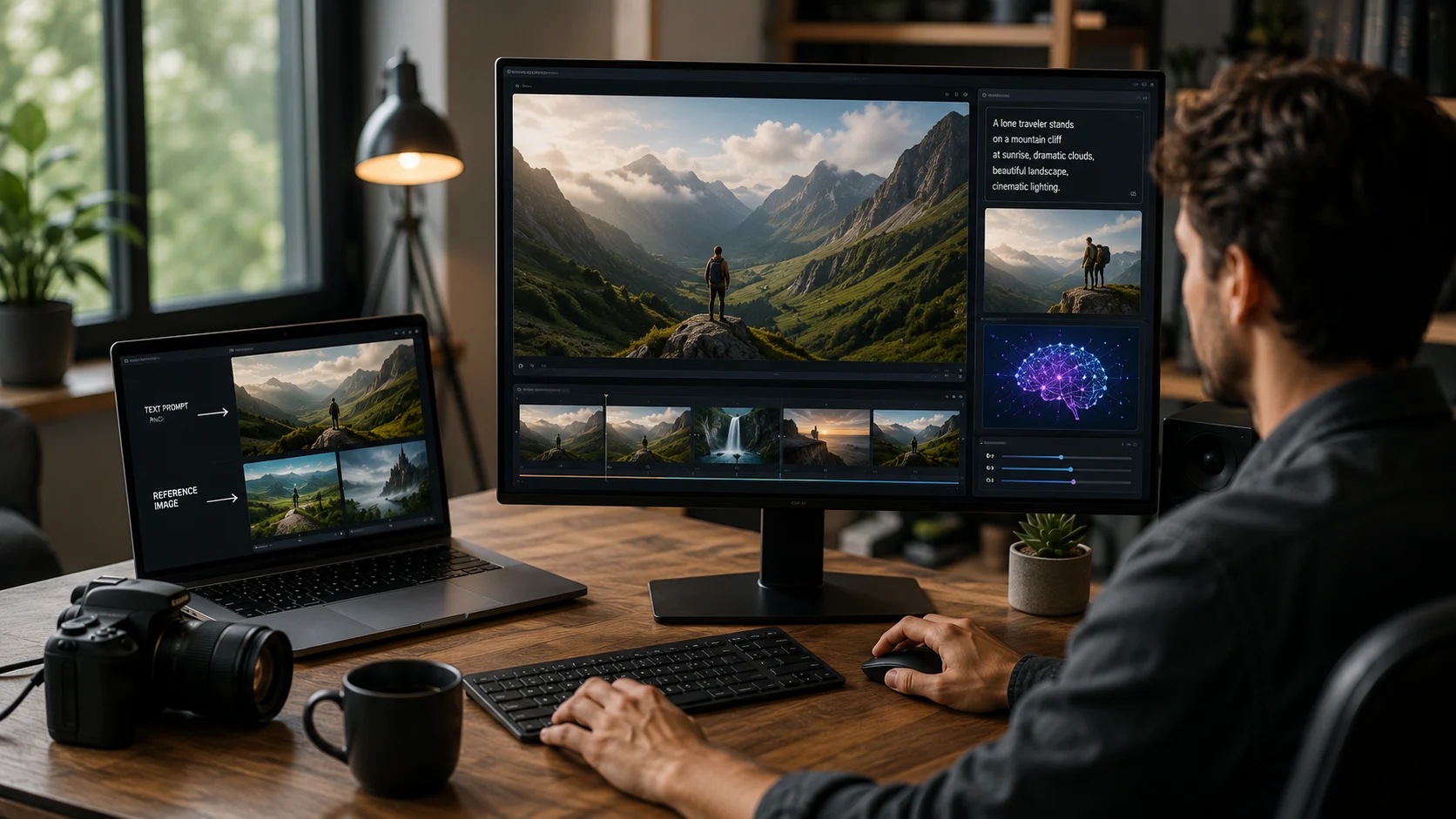
Creating video traditionally requires cameras, actors, locations, animation, editing, or stock footage. AI video generator tools can now create short clips from text prompts, images, and other video inputs, making rapid visual experimentation much easier.
These systems are especially useful for concept development, social content, storyboards, advertising ideas, product visualization, and creative effects. They are improving quickly, but generated video still requires careful review for consistency, realism, rights, and misleading content.
What Is an AI Video Generator?
An AI video generator uses generative models to create or transform moving images. Common workflows include text-to-video, image-to-video, video-to-video editing, and reference-based generation.
Text-to-video starts from a written description. Image-to-video uses an image as the visual starting point and generates motion around it. Video-to-video systems modify an existing clip while preserving some of its structure.
Why Image-to-Video Is Popular
A reference image gives the model important information about the subject, composition, color, lighting, and style. The prompt can then focus more on motion, camera behavior, and scene changes.
This often gives creators more control than starting from text alone.
Prompting for Motion
Good video prompts describe what changes over time. Instead of repeating what the image already shows, describe movement, camera direction, speed, atmosphere, and interaction.
This is related to prompt engineering, but video prompts must think in time as well as appearance.
Consistency Is a Major Challenge
Video generation must keep characters, objects, lighting, and environments coherent across frames. Small inconsistencies become very noticeable when they move.
Modern systems increasingly use reference images and consistency controls, but long scenes can still introduce identity changes, object distortions, or impossible motion.
Short Clips vs. Full Videos
Many generative video workflows create short clips that are later edited together. A complete video may require several generations, transitions, voice, music, captions, and conventional editing.
Some newer systems add agent-like creative workflows that help organize multiple shots, but human direction is still important for narrative continuity.
Editing AI-Generated Video
Generated clips are usually starting material. Creators may trim timing, change aspect ratio, upscale resolution, add sound, adjust color, or combine several generations.
The best workflow often mixes AI generation with normal video-editing tools rather than expecting a single prompt to produce a finished production.
Use Cases
Marketing teams can create visual concepts before committing to a full shoot. Filmmakers can explore shots and moods. Educators can illustrate abstract ideas. Designers can animate product imagery. Social creators can produce short visual sequences quickly.
For factual journalism, documentary, or public communication, synthetic visuals need clear labeling when they could be mistaken for real events.
Copyright and Commercial Rights
Before using generated video commercially, review the provider’s current terms. Rights can depend on the plan, source material, uploaded references, and local law.
Do not upload copyrighted images, private footage, or a person’s likeness unless you have the right to use them.
Deepfakes and Misleading Media
Video generation can create convincing synthetic scenes. That creates risks involving impersonation, fraud, harassment, political manipulation, and fabricated evidence.
Responsible use requires consent, provenance, and clear disclosure when viewers could reasonably believe the content is authentic.
How to Choose a Video Generator
Compare motion quality, prompt control, image-to-video support, character consistency, editing tools, generation length, aspect ratios, resolution, speed, pricing, commercial rights, and safety controls.
Test the tool on your own visual style rather than relying only on curated showcase examples.
The Bottom Line
AI video generator tools make it possible to create moving visuals from text and images with far less production effort than traditional workflows. They are excellent for rapid ideation and short-form creative work.
The technology is still imperfect, and realistic synthetic video carries responsibility. Use AI for speed and experimentation, then edit carefully, verify rights, and disclose synthetic content when authenticity matters.
A Practical Checklist Before You Rely on Ai Video Generators
Define the job first. Decide what success means before choosing a model or product. A system can look impressive in a demo while solving the wrong problem. Write down the expected output, the information it may use, the acceptable error rate, and which decisions still require a person.
Test representative examples. A useful first test is to create several clips from the same reference and compare subject consistency, motion, camera behavior, and editability. Include normal cases and difficult edge cases. The goal is to learn where the system is dependable and where it needs stronger instructions, additional tools, or human review.
Verify important outputs. Do not confuse fluency with correctness. Check facts, calculations, citations, permissions, and important transformations against a reliable source. The more expensive or difficult an error would be to reverse, the stronger the verification process should be.
Review privacy and access. Understand what information is being sent to the system, where it is stored, and who can retrieve it later. Give connected AI tools only the permissions they need. Sensitive data should follow the same governance rules that apply elsewhere in the organization.
Measure value over time. Track time saved, correction rate, reliability, user satisfaction, and operational cost. A tool that feels fast during the first week may not create lasting value if people spend the same amount of time fixing its output.
Common Mistakes to Avoid
One common mistake is choosing technology before defining the workflow. Another is testing only ideal examples. Teams also tend to add automation without planning what happens when the model is uncertain, the data is missing, or a connected service fails.
The most important limitation to keep in mind is that visual realism can hide frame-level errors, identity drift, impossible motion, or misleading synthetic scenes. Build the workflow around that reality rather than assuming future model improvements will automatically solve it.
Frequently Asked Questions
Is AI video generators always more accurate than a simpler approach?
No. AI is valuable when the task benefits from language understanding, pattern recognition, generation, or flexible decision support. A deterministic rule, database query, spreadsheet formula, or conventional software function can be better when the task is predictable and exact.
Should I pay for a AI video generators product immediately?
Usually not. Start with a free tier, trial, or small pilot when one is available. Use it on real work and measure whether it saves time or improves quality. A paid plan becomes easier to justify when limits, collaboration, privacy, integrations, or higher-quality features solve a recurring problem.
What is the safest way to start using AI video generators?
Begin with a narrow, reversible use case. Keep source material or original data available, review the output manually, and document the situations where the system fails. Expand automation only after the workflow performs consistently on representative examples and users know how to recover when it is wrong.