
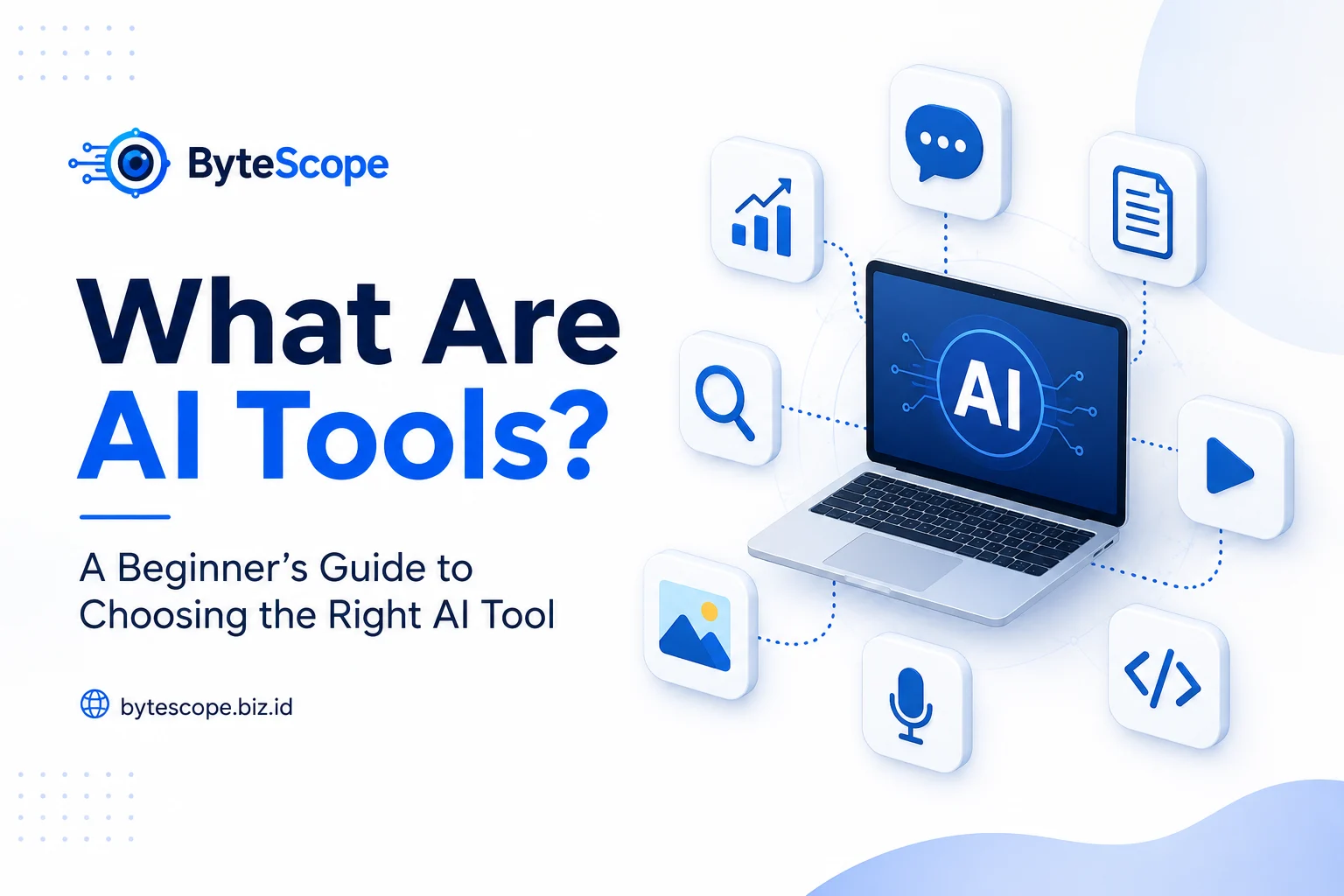
Artificial intelligence has moved from being a specialized technology into something that millions of people can use in everyday life. AI-powered applications can now help users write, research, create images, summarize documents, analyze information, generate code, organize ideas, and complete many other digital tasks. As these tools become easier to access, they are also becoming a normal part of how people study, work, create, and communicate.
The challenge is that the number of AI tools is growing quickly. New platforms appear regularly, established services continue adding features, and many products claim to be the best solution for a particular task. For beginners, this can make choosing an AI tool more confusing than using one. It is easy to assume that you need several different subscriptions or that the most popular tool is automatically the best choice.
In reality, choosing AI tools can be much simpler. The most useful tool is usually not the one with the longest feature list, but the one that solves a specific problem in a way that fits your needs. Understanding what AI tools are, what they are designed to do, and how to evaluate them can help you make better decisions without wasting time or money.
What Are AI Tools?
AI tools are software applications or online services that use artificial intelligence to help users perform specific tasks. Depending on the product, an AI tool may rely on technologies such as machine learning, natural language processing, computer vision, speech recognition, or generative AI. These technologies allow software to process information, recognize patterns, generate content, or provide assistance in ways that traditional applications may not be able to do as easily.
The term “AI tool” covers a very wide range of products. A conversational AI assistant, for example, may help users brainstorm ideas, explain concepts, summarize documents, or improve written content. An image-generation tool may create illustrations based on text descriptions, while a coding assistant may help developers understand code, identify errors, or generate examples. Other tools focus on research, transcription, productivity, presentation design, video creation, or workflow automation.
Because AI tools serve different purposes, it is important not to think of them as interchangeable. A tool that performs well for writing may not be the best choice for research, and an excellent image generator may offer little value to someone who mainly needs help analyzing documents. The right starting point is therefore not asking which AI tool is the most popular, but identifying what you actually want the tool to help you accomplish.
Common Types of AI Tools
The easiest way to understand AI tools is to look at the kinds of problems they are designed to solve. Some of the most widely used tools focus on text and language. These applications can support writing, rewriting, summarization, brainstorming, translation, outlining, and question answering. They are often useful for students, professionals, content creators, and anyone who regularly works with written information.
Other AI tools specialize in visual or multimedia tasks. Image generators can transform written prompts into illustrations or design concepts, while video and audio tools may assist with transcription, voice generation, editing, subtitles, or content production. AI has also become increasingly common in programming, where coding assistants can explain unfamiliar code, suggest solutions, generate examples, or help identify potential problems.
Research and productivity tools represent another important category. Some applications are designed to summarize documents, organize notes, search through information, create meeting summaries, or help users manage repetitive workflows. These tools can be particularly useful when the main challenge is not creating content but processing and organizing large amounts of information.
The boundaries between these categories are becoming less clear because many modern AI platforms now combine several capabilities in one service. A single assistant may be able to generate text, analyze images, work with uploaded files, search information, or assist with coding. This can be convenient, but it also makes it even more important to evaluate tools based on your real use case rather than the number of features they advertise.
How to Choose the Right AI Tool
The best way to choose an AI tool is to begin with the task, not the technology. Instead of asking, “What is the best AI tool available?” it is more useful to ask a specific question such as, “What tool can help me summarize long documents?” or “What tool can help me create images for presentations?” A clearly defined problem makes it much easier to compare products and ignore features that are not relevant to you.
Ease of use should be one of the first things you evaluate. A powerful platform may be impressive, but it will not be useful if the interface is unnecessarily complicated or the workflow takes more time than the task itself. For beginners, a simpler tool that produces good results consistently may be a better choice than a more advanced platform that requires extensive configuration.
Output quality is equally important. Before depending on an AI tool, test it using tasks that resemble what you actually plan to do. If you want a writing assistant, give it a realistic writing task. If you need a research tool, test how clearly it summarizes information and whether it makes it easy to verify important claims. A tool should be evaluated based on how useful its results are for your work, not only on impressive demonstrations.
Cost also matters, especially because AI subscriptions can add up quickly. Many services offer free plans or limited free access, which is usually enough to understand how the platform works. Paid plans may provide higher usage limits, advanced models, larger uploads, or additional features, but those benefits only matter if you genuinely need them. Paying for multiple tools that perform similar tasks can quickly become unnecessary.
Privacy should also be part of the decision. AI tools often require users to enter text, upload files, or provide information to generate useful results. Before sharing confidential documents, financial information, personal data, or sensitive business material, it is important to understand how the service handles that information. Convenience should never replace basic caution.
Free vs. Paid AI Tools
Beginners often assume that paid AI tools are automatically better, but that is not always the case. Free versions can be perfectly suitable for learning, experimentation, occasional writing, brainstorming, summarization, and many everyday tasks. They allow users to understand a platform before making a financial commitment, which is especially useful when you are still discovering what kind of AI assistance you actually need.
Paid plans usually become more valuable when AI is used frequently or professionally. A subscription may provide higher limits, faster access, better models, larger file support, or specialized features that save significant time. For someone who uses an AI tool every day for work, those improvements may easily justify the cost. For an occasional user, however, the free version may already provide everything necessary.
The most sensible approach is to start with free access whenever possible and upgrade only when you encounter a clear limitation. If you can explain exactly why a paid feature will improve your workflow, the subscription may be worthwhile. If you are paying simply because a tool is popular or because you might need it someday, it is probably better to wait.
How to Use AI Tools More Effectively
Choosing the right tool is only half of the process. The quality of your results also depends heavily on how you use it. AI systems generally respond better when instructions are clear, specific, and supported by useful context. A vague request such as “Write about marketing” gives the system very little direction, while a request to “Create a beginner-friendly outline explaining five digital marketing strategies for a small online business” provides a much clearer goal.
It is also useful to work in stages rather than expecting a perfect final result immediately. You might begin by asking an AI tool to generate ideas, then request an outline, review the structure, and only then ask for a draft. This approach gives you more control and makes it easier to correct problems before they become part of a larger output.
Reviewing the result is essential. AI-generated content can contain incorrect facts, weak reasoning, outdated information, or details that do not fit the context. Important claims should be verified, especially when the information affects academic work, professional decisions, finances, health, law, or other high-impact areas. AI is most useful when it supports human judgment rather than replacing it.
Beginners should also resist the temptation to use too many tools at once. Constantly switching platforms can create more complexity than productivity. Learning how to use a small number of carefully chosen tools well is usually more valuable than collecting dozens of AI applications that perform similar functions.
Do You Really Need Many AI Tools?
For most people, the answer is no. A small collection of well-chosen tools can cover a surprisingly wide range of tasks. One general AI assistant may be enough for writing, brainstorming, explanations, and basic research, while another specialized tool might handle images, coding, or a particular workflow that matters to you.
As your needs become clearer, you can add other tools when they provide a genuine advantage. The goal should not be to build the largest collection of AI applications. The goal is to make specific tasks easier, faster, or better.
Before adopting a new tool, consider whether it solves a problem your current tools cannot handle, whether you will use it regularly, and whether the improvement is significant enough to justify learning another platform or paying another subscription. This simple habit can prevent unnecessary spending and reduce digital clutter.
Final Thoughts
AI tools are applications that use artificial intelligence to help people perform tasks such as writing, research, image creation, productivity, coding, learning, and information processing. They can save time, simplify difficult workflows, and make advanced capabilities accessible to people without technical backgrounds.
However, there is no single AI tool that is best for everyone. The right choice depends on the problem you want to solve, the quality of the results, ease of use, cost, privacy, and how well the tool fits into your existing workflow.
Beginners should start small. Choose one real task, test a suitable tool, review the results carefully, and learn how to give clearer instructions. As you gain experience, it becomes much easier to understand which tools genuinely improve your work and which ones you can ignore.
Using AI effectively is not about having access to the largest number of tools. It is about choosing the right tools for the right tasks and using them with clear goals, careful judgment, and realistic expectations.