
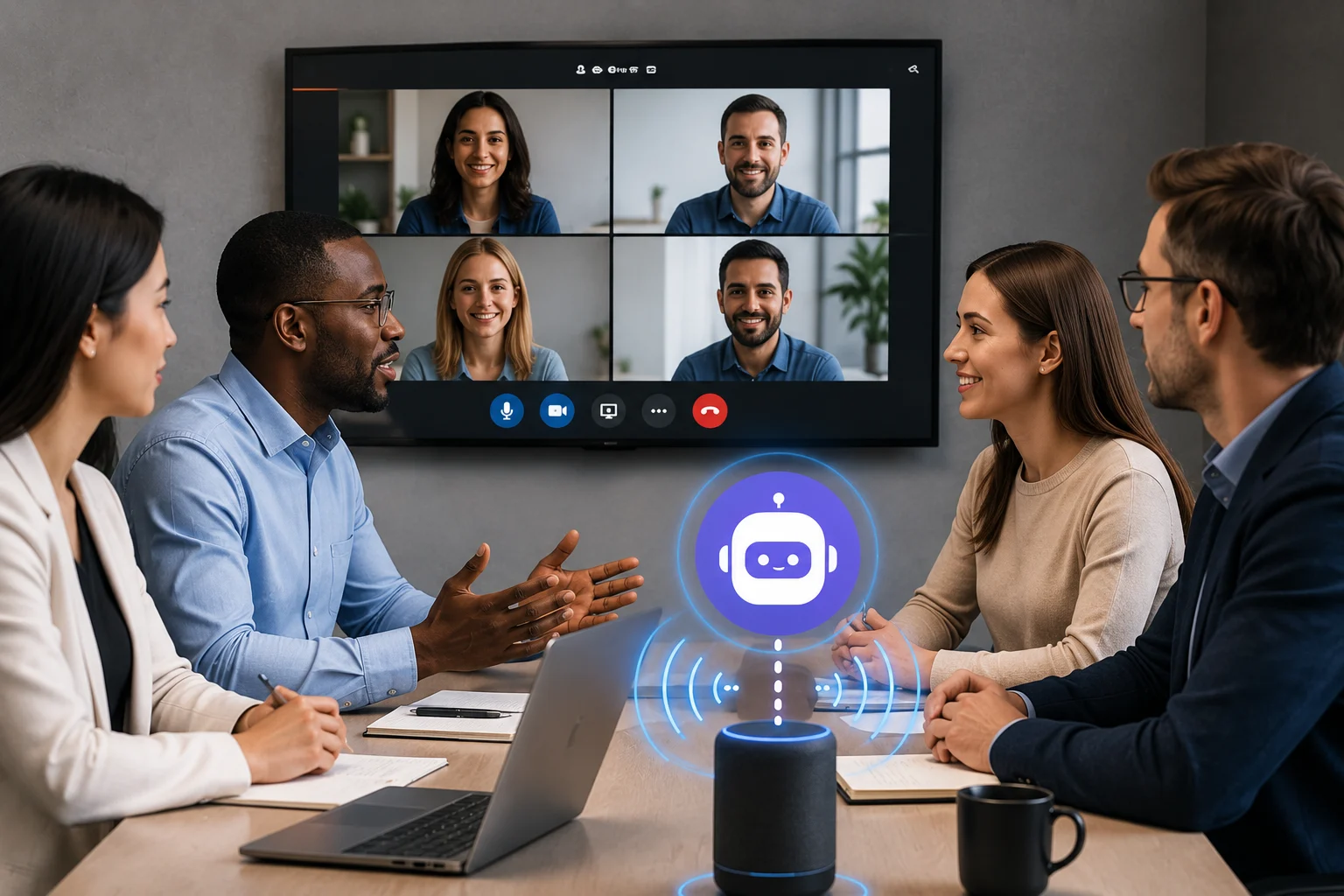
Meetings create information quickly: decisions, questions, commitments, deadlines, and ideas can all appear within a few minutes of conversation. Traditional note-taking forces someone to divide attention between listening and recording. AI meeting assistants are designed to automate much of that capture.
Depending on the product, an assistant can record or join a meeting, create a transcript, identify speakers, generate a summary, extract action items, and make the conversation searchable afterward.
What Is an AI Meeting Assistant?
An AI meeting assistant combines speech transcription with language-model features that organize what was said.
The system may connect to a calendar and automatically join scheduled calls, or it may record directly from a device. After the meeting, it can create structured notes instead of leaving users with only a raw transcript.
Automatic Meeting Notes
A useful meeting summary highlights the important parts rather than repeating the conversation. It may capture decisions, major discussion themes, unresolved questions, and agreed next steps.
Products such as Otter and Notion AI Meeting Notes combine transcription with summaries and action-item extraction, although features and availability vary by plan.
Action Items
One of the most valuable features is automatically identifying commitments such as “I will send the report tomorrow.” The assistant can turn these into action items and, in some systems, connect them with project or workflow tools.
Users should still confirm who owns the task and when it is due. Casual conversation can be misinterpreted as a commitment.
Searchable Meeting Knowledge
Once meetings are transcribed, teams can search past conversations instead of relying on memory. This can be useful for recurring projects, customer calls, product decisions, and interviews.
Some assistants also support questions across multiple meetings, creating a searchable conversation knowledge base.
Joining a Meeting vs. Local Recording
Some AI assistants appear as a participant in Zoom, Google Meet, or Microsoft Teams. Others record audio directly from the user’s device without adding a bot to the call.
Each method has advantages. An automatic participant can capture scheduled calls with little effort. Local recording can feel less intrusive and may work for in-person meetings.
Integrations Matter
A meeting assistant becomes more useful when notes flow into existing systems. Integrations may send action items to project management, sync customer insights to a CRM, save transcripts to documents, or trigger workflow automation.
Without integration, teams may simply create another archive that nobody checks.
Accuracy and Verification
A summary can omit an important qualification. A transcript can mishear a name or number. An action item can be assigned to the wrong person.
Critical decisions should be verified against the transcript or recording. AI-generated notes are a productivity aid, not an authoritative legal record unless the workflow includes appropriate review.
Consent and Workplace Expectations
Meeting recording laws and policies vary. Participants should know when AI recording or transcription is taking place, and organizations should define acceptable use.
Sensitive meetings involving health, employment, legal strategy, security, or confidential customer data may require stricter rules.
How to Choose a Meeting Assistant
Compare transcription quality, supported meeting platforms, calendar integration, speaker recognition, summaries, action items, search, export formats, collaboration, admin controls, language support, privacy, and pricing.
Test the system on real meetings rather than a perfect demo recording.
When AI Notes Can Hurt Meetings
Automatic notes can make people less attentive if everyone assumes the AI will remember everything. Teams should still clarify decisions verbally and confirm ownership before the meeting ends.
The assistant should reduce administrative work, not replace good meeting discipline.
The Bottom Line
AI meeting assistants can automate transcription, summaries, decisions, and action items while making past conversations easier to search. They are especially useful for teams with many recurring meetings or customer calls.
The best results come from combining automated capture with human confirmation. Let the AI handle documentation, but keep people responsible for decisions, deadlines, and sensitive context.
A Practical Checklist Before You Rely on Ai Meeting Assistants
Define the job first. Decide what success means before choosing a model or product. A system can look impressive in a demo while solving the wrong problem. Write down the expected output, the information it may use, the acceptable error rate, and which decisions still require a person.
Test representative examples. A useful first test is to run the assistant on a real meeting and verify decisions, owners, deadlines, and sensitive statements against the recording. Include normal cases and difficult edge cases. The goal is to learn where the system is dependable and where it needs stronger instructions, additional tools, or human review.
Verify important outputs. Do not confuse fluency with correctness. Check facts, calculations, citations, permissions, and important transformations against a reliable source. The more expensive or difficult an error would be to reverse, the stronger the verification process should be.
Review privacy and access. Understand what information is being sent to the system, where it is stored, and who can retrieve it later. Give connected AI tools only the permissions they need. Sensitive data should follow the same governance rules that apply elsewhere in the organization.
Measure value over time. Track time saved, correction rate, reliability, user satisfaction, and operational cost. A tool that feels fast during the first week may not create lasting value if people spend the same amount of time fixing its output.
Common Mistakes to Avoid
One common mistake is choosing technology before defining the workflow. Another is testing only ideal examples. Teams also tend to add automation without planning what happens when the model is uncertain, the data is missing, or a connected service fails.
The most important limitation to keep in mind is that automated notes can create false confidence when participants stop confirming decisions themselves. Build the workflow around that reality rather than assuming future model improvements will automatically solve it.
Frequently Asked Questions
Is AI meeting assistants always more accurate than a simpler approach?
No. AI is valuable when the task benefits from language understanding, pattern recognition, generation, or flexible decision support. A deterministic rule, database query, spreadsheet formula, or conventional software function can be better when the task is predictable and exact.
Should I pay for a AI meeting assistants product immediately?
Usually not. Start with a free tier, trial, or small pilot when one is available. Use it on real work and measure whether it saves time or improves quality. A paid plan becomes easier to justify when limits, collaboration, privacy, integrations, or higher-quality features solve a recurring problem.
What is the safest way to start using AI meeting assistants?
Begin with a narrow, reversible use case. Keep source material or original data available, review the output manually, and document the situations where the system fails. Expand automation only after the workflow performs consistently on representative examples and users know how to recover when it is wrong.