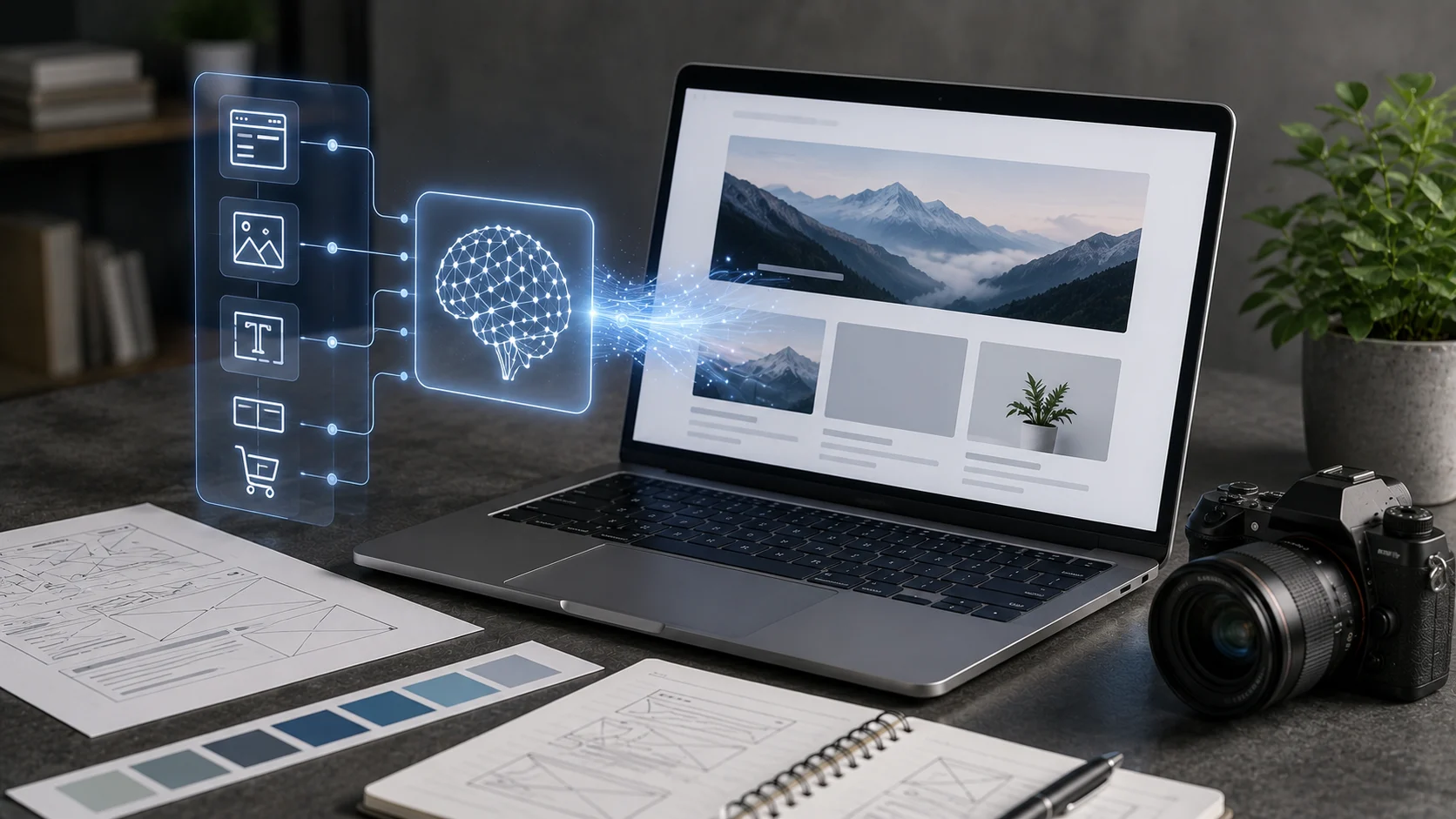
Building a website used to begin with a blank template, wireframe, or code editor. AI website builders can now generate a starting site from a short description of the business, goal, style, and required features.
The result can include page structure, layouts, copy, images, colors, and basic business functionality. This dramatically reduces setup time, but a generated site still needs review before it represents a real brand.
What Is an AI Website Builder?
An AI website builder combines generative AI with a visual website platform. The user describes the desired site, and the system proposes pages, sections, design elements, and content.
Wix, for example, offers an AI website builder that can create a business-ready starting site and then let users refine it with AI or manual editing.
From Prompt to Site Structure
The builder may ask about industry, audience, features, and visual style. It then creates a site map and page layout based on those answers.
This is useful for beginners who know what the business does but are unsure how to organize the website.
AI-Generated Copy
Website builders can generate headings, service descriptions, calls to action, FAQs, and other page text.
Generic AI copy should be rewritten with real details. Visitors need to know what makes the business specific, credible, and useful.
AI-Generated Visuals
Some builders include image generation, background removal, enhancement, and section design.
Generated images can be helpful for concepts, but businesses should avoid visuals that falsely represent products, facilities, staff, or results.
Customization Still Matters
A generated design is a starting point. Branding, typography, spacing, navigation, and content hierarchy should be adjusted to fit the actual organization.
If every AI-generated site is published without editing, the web quickly becomes visually repetitive.
SEO
AI can suggest titles, meta descriptions, and on-page copy, but search visibility still depends on useful content, crawlability, site structure, performance, links, and user value.
Do not publish dozens of thin AI-generated pages simply because the builder makes them easy to create.
Accessibility
Check color contrast, headings, keyboard navigation, form labels, image alt text, and responsive layouts. AI-generated design does not guarantee accessibility.
Use the platform’s accessibility tools and perform manual checks.
Performance
Large images, animations, third-party scripts, and complex generated sections can slow a site. Test mobile performance rather than judging only the desktop editor preview.
This is particularly important for search visibility and user experience.
Ownership and Portability
Before committing to a builder, understand domain control, hosting, export options, pricing, ecommerce fees, and what happens if you later move platforms.
The fastest website to create is not always the easiest website to migrate.
Who Benefits Most?
Small businesses, freelancers, event organizers, portfolios, landing pages, and early-stage projects can benefit from rapid generation.
Complex web applications may still require professional development and custom architecture.
The Bottom Line
AI website builders can turn a description into a functional starting website in minutes and reduce the technical barrier to getting online.
Use the generated result as a draft. Add real brand information, test SEO and accessibility, optimize performance, and make sure the final site reflects the business rather than the defaults of the generator.
A Practical Checklist Before You Rely on Ai Website Builders
Define the job first. Decide what success means before choosing a model or product. A system can look impressive in a demo while solving the wrong problem. Write down the expected output, the information it may use, the acceptable error rate, and which decisions still require a person.
Test representative examples. A useful first test is to generate a small site, then test mobile speed, navigation, accessibility, metadata, forms, and factual business content. Include normal cases and difficult edge cases. The goal is to learn where the system is dependable and where it needs stronger instructions, additional tools, or human review.
Verify important outputs. Do not confuse fluency with correctness. Check facts, calculations, citations, permissions, and important transformations against a reliable source. The more expensive or difficult an error would be to reverse, the stronger the verification process should be.
Review privacy and access. Understand what information is being sent to the system, where it is stored, and who can retrieve it later. Give connected AI tools only the permissions they need. Sensitive data should follow the same governance rules that apply elsewhere in the organization.
Measure value over time. Track time saved, correction rate, reliability, user satisfaction, and operational cost. A tool that feels fast during the first week may not create lasting value if people spend the same amount of time fixing its output.
Common Mistakes to Avoid
One common mistake is choosing technology before defining the workflow. Another is testing only ideal examples. Teams also tend to add automation without planning what happens when the model is uncertain, the data is missing, or a connected service fails.
The most important limitation to keep in mind is that one-click generation can produce generic copy, heavy pages, or designs that look complete before they are actually ready. Build the workflow around that reality rather than assuming future model improvements will automatically solve it.
Frequently Asked Questions
Is AI website builders always more accurate than a simpler approach?
No. AI is valuable when the task benefits from language understanding, pattern recognition, generation, or flexible decision support. A deterministic rule, database query, spreadsheet formula, or conventional software function can be better when the task is predictable and exact.
Should I pay for a AI website builders product immediately?
Usually not. Start with a free tier, trial, or small pilot when one is available. Use it on real work and measure whether it saves time or improves quality. A paid plan becomes easier to justify when limits, collaboration, privacy, integrations, or higher-quality features solve a recurring problem.
What is the safest way to start using AI website builders?
Begin with a narrow, reversible use case. Keep source material or original data available, review the output manually, and document the situations where the system fails. Expand automation only after the workflow performs consistently on representative examples and users know how to recover when it is wrong.