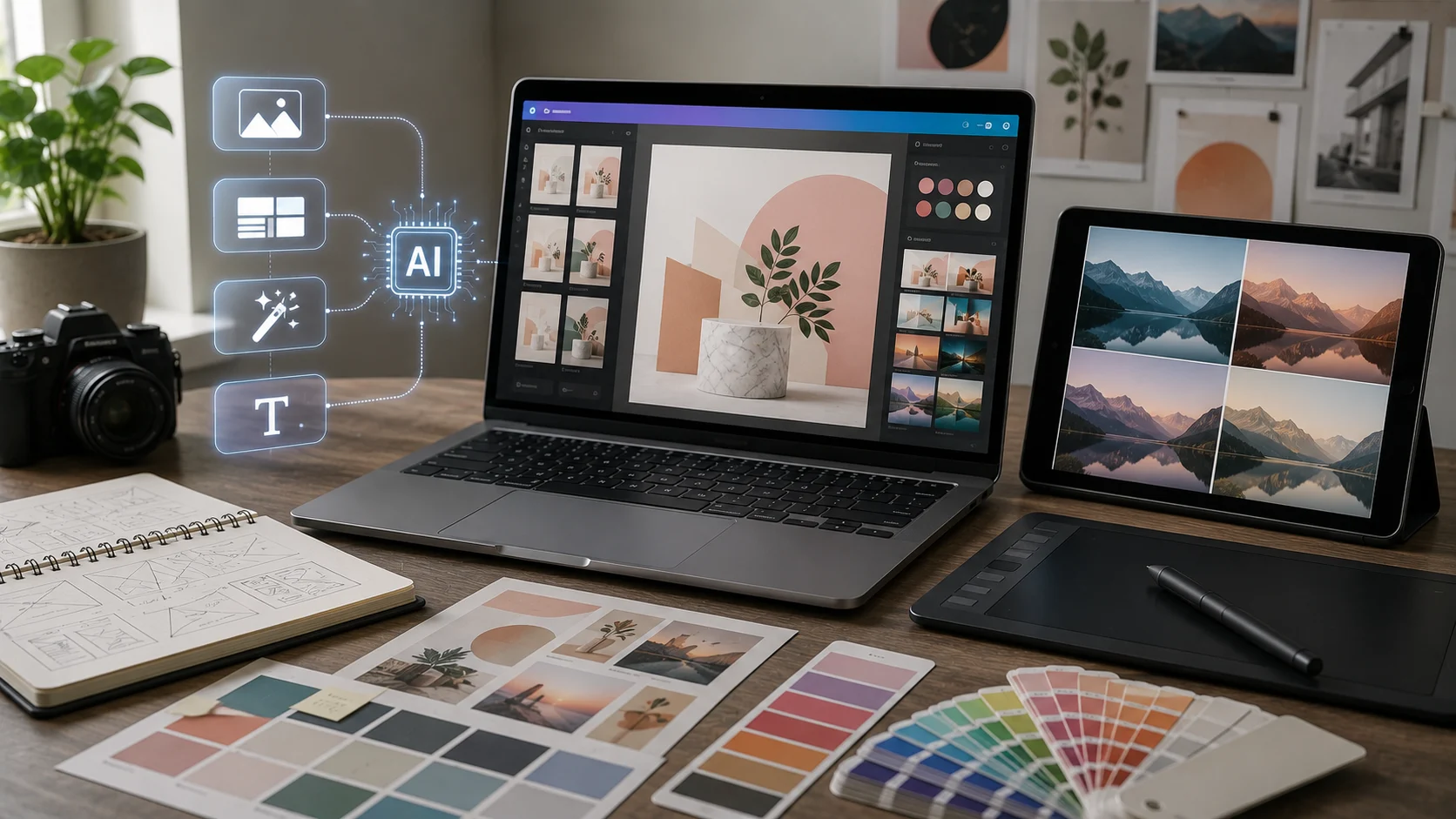
Graphic design involves many repetitive decisions: resizing assets, trying layouts, finding visual directions, removing backgrounds, generating variations, and adapting content for different channels. AI design tools can accelerate those steps.
The strongest tools combine AI generation with an editor so users can refine the result rather than accepting a one-click design as final.
What Can AI Design Tools Do?
AI features can generate images, layouts, presentation graphics, social posts, text, background replacements, visual variations, and resized formats.
Canva’s Magic Studio, for example, brings multiple AI-powered creation features into the same visual design environment.
AI as a Starting Point
Design often begins with exploration. AI can generate several visual directions quickly, helping a designer compare concepts before investing time in one option.
This is especially useful for moodboards, campaign ideas, thumbnail concepts, and rough compositions.
Layout Generation
AI can organize text and visual elements into balanced layouts. For non-designers, this can remove the fear of a blank canvas.
The user should still check hierarchy, readability, spacing, and whether the layout fits the intended medium.
Image Generation and Editing
Many design platforms now integrate AI image generation with editing features such as background removal, expansion, replacement, and object modification.
This reduces the need to move assets between several tools.
Brand Consistency
Teams can use brand colors, fonts, logos, and templates to reduce random variation. AI works better in production when it operates inside clear brand constraints.
Without constraints, every generation can look like a different company.
Resizing and Repurposing
A campaign may need a website banner, social post, story format, presentation slide, and print graphic. AI-assisted resizing can speed adaptation across formats.
Automatic resizing still needs review because important content can be cropped or repositioned badly.
Originality
AI can generate polished work very quickly, which makes generic output easy to produce at scale. Strong visual identity requires intentional art direction.
Use AI to explore, then add specific composition, imagery, typography, and brand decisions that make the result recognizable.
Copyright and Rights
Review the provider’s current commercial-use terms and understand the rights associated with uploaded reference material.
Do not assume that typing a prompt gives you the right to imitate a protected logo, copyrighted character, or living artist’s proprietary work.
Accessibility
Visual content should still consider contrast, text size, readability, and alternative text where appropriate.
AI can suggest designs, but accessibility requires deliberate review.
Who Benefits?
Marketing teams, small businesses, students, creators, teachers, and professional designers can all benefit in different ways.
For professionals, AI can remove repetitive production work. For beginners, it can provide structure and visual starting points.
The Bottom Line
AI design tools can make visual creation faster by generating concepts, layouts, images, and variations inside an editable workflow.
The technology reduces production time, but good design still depends on hierarchy, audience, accessibility, originality, and brand judgment. Use AI to accelerate decisions, not to avoid making them.
A Practical Checklist Before You Rely on Ai Design Tools
Define the job first. Decide what success means before choosing a model or product. A system can look impressive in a demo while solving the wrong problem. Write down the expected output, the information it may use, the acceptable error rate, and which decisions still require a person.
Test representative examples. A useful first test is to generate several variations from one brand brief and evaluate hierarchy, readability, originality, and brand consistency. Include normal cases and difficult edge cases. The goal is to learn where the system is dependable and where it needs stronger instructions, additional tools, or human review.
Verify important outputs. Do not confuse fluency with correctness. Check facts, calculations, citations, permissions, and important transformations against a reliable source. The more expensive or difficult an error would be to reverse, the stronger the verification process should be.
Review privacy and access. Understand what information is being sent to the system, where it is stored, and who can retrieve it later. Give connected AI tools only the permissions they need. Sensitive data should follow the same governance rules that apply elsewhere in the organization.
Measure value over time. Track time saved, correction rate, reliability, user satisfaction, and operational cost. A tool that feels fast during the first week may not create lasting value if people spend the same amount of time fixing its output.
Common Mistakes to Avoid
One common mistake is choosing technology before defining the workflow. Another is testing only ideal examples. Teams also tend to add automation without planning what happens when the model is uncertain, the data is missing, or a connected service fails.
The most important limitation to keep in mind is that fast generation makes generic visual output easy to produce and can encourage weak review of rights or accessibility. Build the workflow around that reality rather than assuming future model improvements will automatically solve it.
Frequently Asked Questions
Is AI design tools always more accurate than a simpler approach?
No. AI is valuable when the task benefits from language understanding, pattern recognition, generation, or flexible decision support. A deterministic rule, database query, spreadsheet formula, or conventional software function can be better when the task is predictable and exact.
Should I pay for a AI design tools product immediately?
Usually not. Start with a free tier, trial, or small pilot when one is available. Use it on real work and measure whether it saves time or improves quality. A paid plan becomes easier to justify when limits, collaboration, privacy, integrations, or higher-quality features solve a recurring problem.
What is the safest way to start using AI design tools?
Begin with a narrow, reversible use case. Keep source material or original data available, review the output manually, and document the situations where the system fails. Expand automation only after the workflow performs consistently on representative examples and users know how to recover when it is wrong.