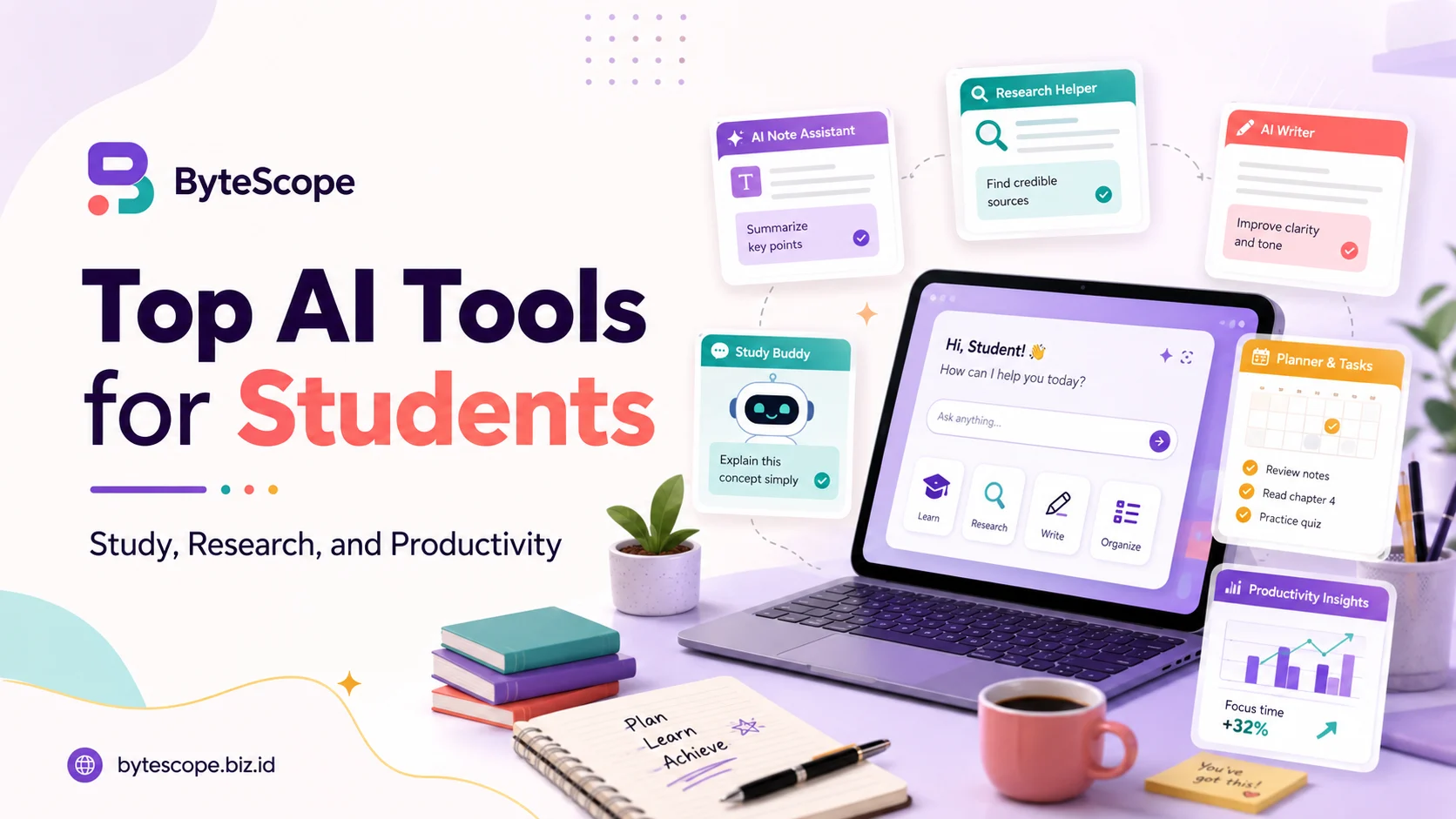
Students often manage several academic demands at once: reading difficult material, preparing for exams, searching for sources, writing assignments, organizing notes, and keeping up with deadlines. The most useful AI tools for students are therefore not simply the ones that produce fast answers. The better tools solve a specific problem while still leaving room for judgment, verification, and original thinking. Used carefully, AI can reduce repetitive work, explain difficult ideas, and help students move from a blank page to a useful starting point without replacing the learning process itself.
What Makes an AI Tool Useful for Students?
A good student AI tool should be easy to use, relevant to the task, and transparent enough that the user can judge the quality of its output. Accuracy matters, but so does the ability to trace information back to a source, especially for research. Privacy is also important because students may upload notes, assignment instructions, or documents containing personal information. Cost and availability matter as well. Most importantly, AI should help students understand, organize, or improve their work rather than encourage them to submit unverified generated material as their own.
Top AI Tools for Students
ChatGPT is one of the most flexible options for general study support. Students can use it to simplify difficult concepts, generate practice questions, compare ideas, brainstorm an essay structure, or work through a problem interactively. OpenAI’s Study Mode is designed to guide learners with questions, step-by-step explanations, and checks for understanding, and it can work with uploaded materials such as notes, images, and PDFs. This makes it useful when a student wants tutoring-style support rather than a single final answer. AI responses can still contain errors, so facts, calculations, and references should be checked before they are used in academic work.
NotebookLM is especially useful when the goal is to study from a defined set of materials instead of relying on broad web knowledge. Students can add sources such as lecture notes, papers, or reports and then ask questions based on those materials. Google has added features that can create flashcards, quizzes, study guides, and other learning aids from uploaded sources, with responses grounded in the material provided. That makes NotebookLM a strong choice for exam preparation or working through a long reading. Its main strength is focus: students can build a study environment around the sources they are actually expected to understand.
Perplexity fits a different part of the academic workflow: discovering information and building an initial map of a topic. Its answers include source links and citations, which can help students move quickly from a question to material worth examining. Perplexity also offers education-focused features, including Learn Mode for verified students, while its deeper search tools support more extensive research. It can be useful for exploring unfamiliar subjects, identifying terminology, or finding sources for further reading. However, students still need to open the original sources and judge their relevance, reliability, and quality.
Elicit is more specialized and is best suited to students working with academic literature. It can search large collections of research papers, summarize abstracts in relation to a research question, compare studies, and organize extracted information. Elicit also provides source-backed outputs and workflows designed for literature reviews and evidence synthesis. For dissertations, research projects, or assignments requiring academic evidence, this can make the early stages of finding and screening papers more manageable. The tool should still support rather than replace critical reading, because methods, samples, limitations, and context often matter more than a generated summary.
Grammarly becomes most useful later in the workflow, when the student has already developed ideas and needs help improving communication. Its student-focused features include grammar and clarity suggestions, rewriting support, citation tools, plagiarism-related checks, and AI-assisted brainstorming. This can help polish an essay, improve awkward sentences, or make a draft easier to read. Its strongest role is revision rather than authorship: the student should still decide what to argue, which evidence to use, and how the final text reflects their own thinking. Course rules can also differ on AI-assisted rewriting, so students should understand the policy that applies to their work.
AI Tools for Studying, Research, and Productivity
The right tool depends on the job. For understanding a difficult concept, ChatGPT can be useful because students can ask follow-up questions and request a simpler explanation. When the material is already available, NotebookLM may be a better fit because the discussion can stay grounded in course sources. For early research discovery, Perplexity can help identify directions and references, while Elicit is better suited to academic papers and literature-focused work. Grammarly becomes more valuable once the research and thinking are largely complete and the student needs to improve clarity and presentation.
AI can also support productivity without replacing planning. A student might use it to break a large assignment into smaller tasks, create a study schedule, brainstorm research questions, or turn scattered notes into a clearer outline. The benefit is not that AI makes academic decisions automatically, but that it reduces friction around organizing work. Students should still decide which tasks matter most, how much time they need, and whether a suggested plan fits their real deadlines.
How Students Should Use AI Responsibly
AI can improve efficiency, but academic integrity still depends on the student. A generated answer should not be submitted as original work simply because it sounds polished. Students need to fact-check important claims, verify citations against original sources, protect sensitive information, and follow the AI policy of their school, university, or instructor. They should also avoid depending on AI for every explanation or decision. The goal is to strengthen understanding, research, writing, and organization while preserving reasoning, creativity, judgment, and the ability to defend one’s own conclusions. OpenAI similarly advises students using its learning features to follow the rules that apply to graded work in their institution.
Choosing the Right AI Tool
There is no single best AI tool for every student. Someone preparing for an exam may benefit most from ChatGPT or NotebookLM, while a student beginning a literature review may get more value from Elicit and Perplexity. A student polishing a paper may prefer Grammarly. The practical approach is to start with the task rather than the brand, choose the tool that removes a specific bottleneck, and understand where it can fail. Using fewer tools well is often more productive than constantly switching between every new AI service.
Conclusion
The best AI tools for students support different stages of academic work rather than trying to replace the student. ChatGPT can help explain and practice, NotebookLM can turn course materials into an interactive study environment, Perplexity can accelerate information discovery, Elicit can support literature research, and Grammarly can strengthen writing. None should be treated as an unquestionable authority. Used responsibly, AI can make studying more efficient and research more structured, but responsibility for understanding, accuracy, originality, and academic judgment remains with the student. AI works best as a tool for better learning, not as a shortcut around it.