A blank page can make brainstorming feel harder than it needs to be. AI mind mapping tools help users turn a short idea into a visual network of topics, subtopics, questions, and possible actions.
The value of a mind map is not that AI thinks for you. It gives ideas visible structure so you can see relationships, identify gaps, and decide what to explore next.
What Is an AI Mind Map?
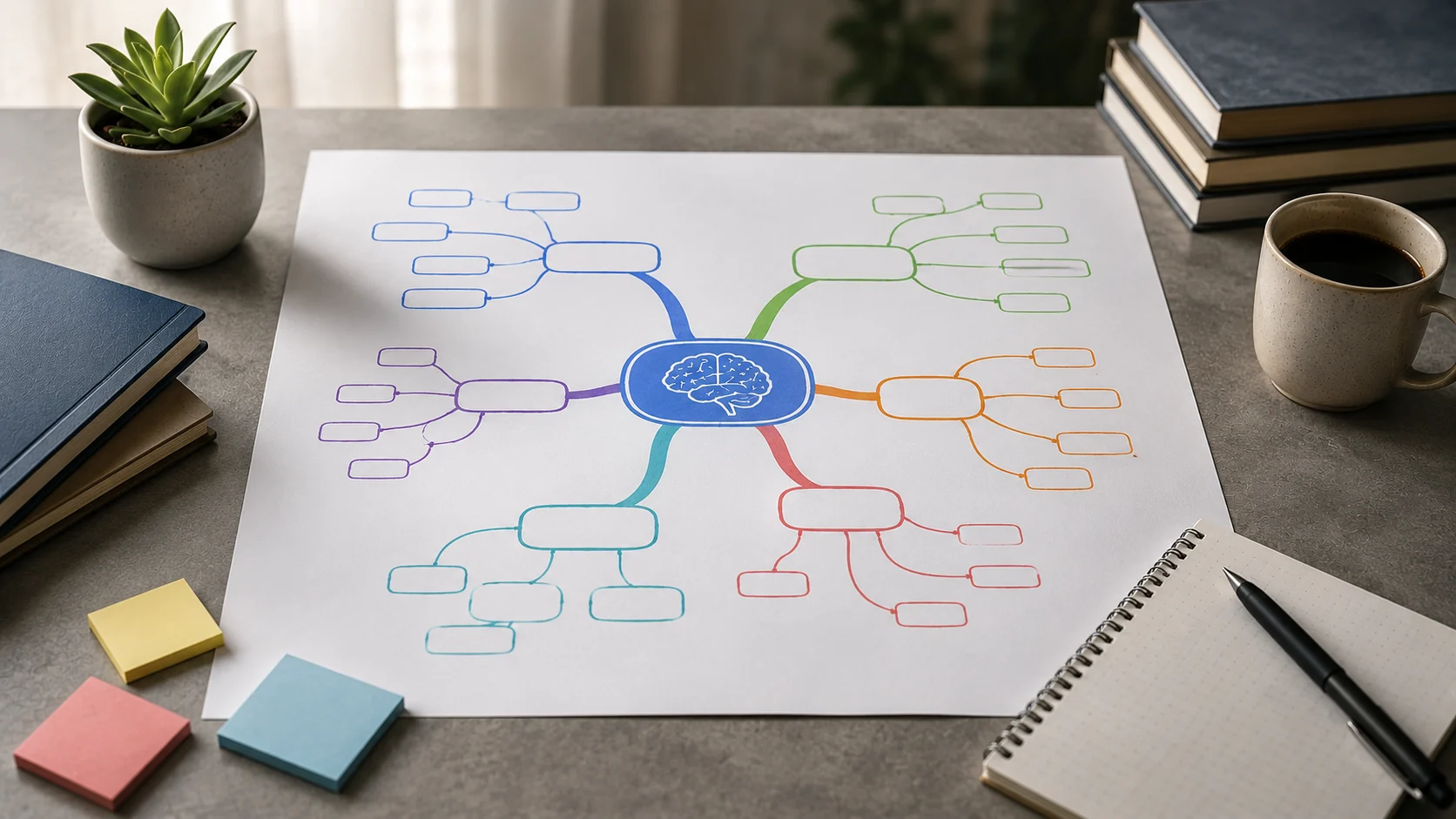
A mind map begins with a central concept and expands into branches. AI can generate an initial branch structure from a prompt or selected content.
Miro AI, for example, can create mind maps and diagrams from prompts and then keep them editable on a collaborative board.
Brainstorming From a Prompt
A user can enter a topic such as “launching a small online course” and ask AI to create branches for audience, content, pricing, marketing, technology, and risks.
The generated map is a starting point. Users should add missing ideas and delete generic suggestions that do not fit the project.
Expanding a Branch
AI is useful when one branch needs deeper exploration. A broad node such as “marketing” can be expanded into channels, content types, partnerships, metrics, and experiments.
This creates a structured form of iterative brainstorming.
Research Planning
Researchers can map a topic into theories, variables, methods, evidence, opposing arguments, and unanswered questions.
The map can then guide searches and reading without pretending that the generated branches are established facts.
Project Planning
A mind map can capture goals, stakeholders, deliverables, dependencies, risks, and milestones before they are converted into a formal project plan.
For execution, branches can later become tasks in a project-management system.
Mind Maps vs. Linear Notes
Linear notes are good for sequential information. Mind maps are useful when relationships and categories matter more than order.
Many users benefit from both: brainstorm visually, then turn the final map into an outline or document.
Collaboration
Shared mind maps let a team brainstorm together. AI can organize similar ideas, suggest missing areas, or generate an initial structure before a workshop.
The team should still discuss which branches matter rather than treating the AI map as an objective plan.
From Mind Map to Other Formats
A structured map can become a presentation outline, article structure, project brief, study guide, or workflow.
This connects mind mapping with tools such as AI presentation tools and AI note-taking tools.
Where AI Mind Maps Go Wrong
Generated maps can look complete while missing the most important issue. They can also include redundant, vague, or factually unsupported branches.
Visual structure creates an impression of order, but it does not prove that the content is correct.
How to Get Better Results
Give the AI a clear goal, audience, scope, and desired branch categories. Ask it to identify assumptions or questions rather than filling every branch with confident claims.
Then edit the map aggressively. A useful mind map is curated, not merely generated.
The Bottom Line
AI mind mapping tools can turn rough ideas into visual structure quickly, making them useful for brainstorming, research, planning, study, and collaboration.
The strongest workflow combines machine-generated possibilities with human prioritization. Let AI expand the map, then decide which connections are meaningful enough to keep.
A Practical Checklist Before You Rely on Ai Mind Mapping Tools
Define the job first. Decide what success means before choosing a model or product. A system can look impressive in a demo while solving the wrong problem. Write down the expected output, the information it may use, the acceptable error rate, and which decisions still require a person.
Test representative examples. A useful first test is to generate a map for a real project, then delete weak branches and add missing ideas before converting it into an action plan. Include normal cases and difficult edge cases. The goal is to learn where the system is dependable and where it needs stronger instructions, additional tools, or human review.
Verify important outputs. Do not confuse fluency with correctness. Check facts, calculations, citations, permissions, and important transformations against a reliable source. The more expensive or difficult an error would be to reverse, the stronger the verification process should be.
Review privacy and access. Understand what information is being sent to the system, where it is stored, and who can retrieve it later. Give connected AI tools only the permissions they need. Sensitive data should follow the same governance rules that apply elsewhere in the organization.
Measure value over time. Track time saved, correction rate, reliability, user satisfaction, and operational cost. A tool that feels fast during the first week may not create lasting value if people spend the same amount of time fixing its output.
Common Mistakes to Avoid
One common mistake is choosing technology before defining the workflow. Another is testing only ideal examples. Teams also tend to add automation without planning what happens when the model is uncertain, the data is missing, or a connected service fails.
The most important limitation to keep in mind is that a visually complete map can create an illusion of completeness even when important assumptions or evidence are missing. Build the workflow around that reality rather than assuming future model improvements will automatically solve it.
Frequently Asked Questions
Is AI mind mapping tools always more accurate than a simpler approach?
No. AI is valuable when the task benefits from language understanding, pattern recognition, generation, or flexible decision support. A deterministic rule, database query, spreadsheet formula, or conventional software function can be better when the task is predictable and exact.
Should I pay for a AI mind mapping tools product immediately?
Usually not. Start with a free tier, trial, or small pilot when one is available. Use it on real work and measure whether it saves time or improves quality. A paid plan becomes easier to justify when limits, collaboration, privacy, integrations, or higher-quality features solve a recurring problem.
What is the safest way to start using AI mind mapping tools?
Begin with a narrow, reversible use case. Keep source material or original data available, review the output manually, and document the situations where the system fails. Expand automation only after the workflow performs consistently on representative examples and users know how to recover when it is wrong.